Start a conversation
Message someone first, from the inbox, with an approved template.
ImplementedWorks in the app today, as this page describes.
Last reviewed against the app on
You can write freely for 24 hours after someone messages you. To reach someone who hasn't, you start with an approved template.
Who can do this: Everyone
Steps
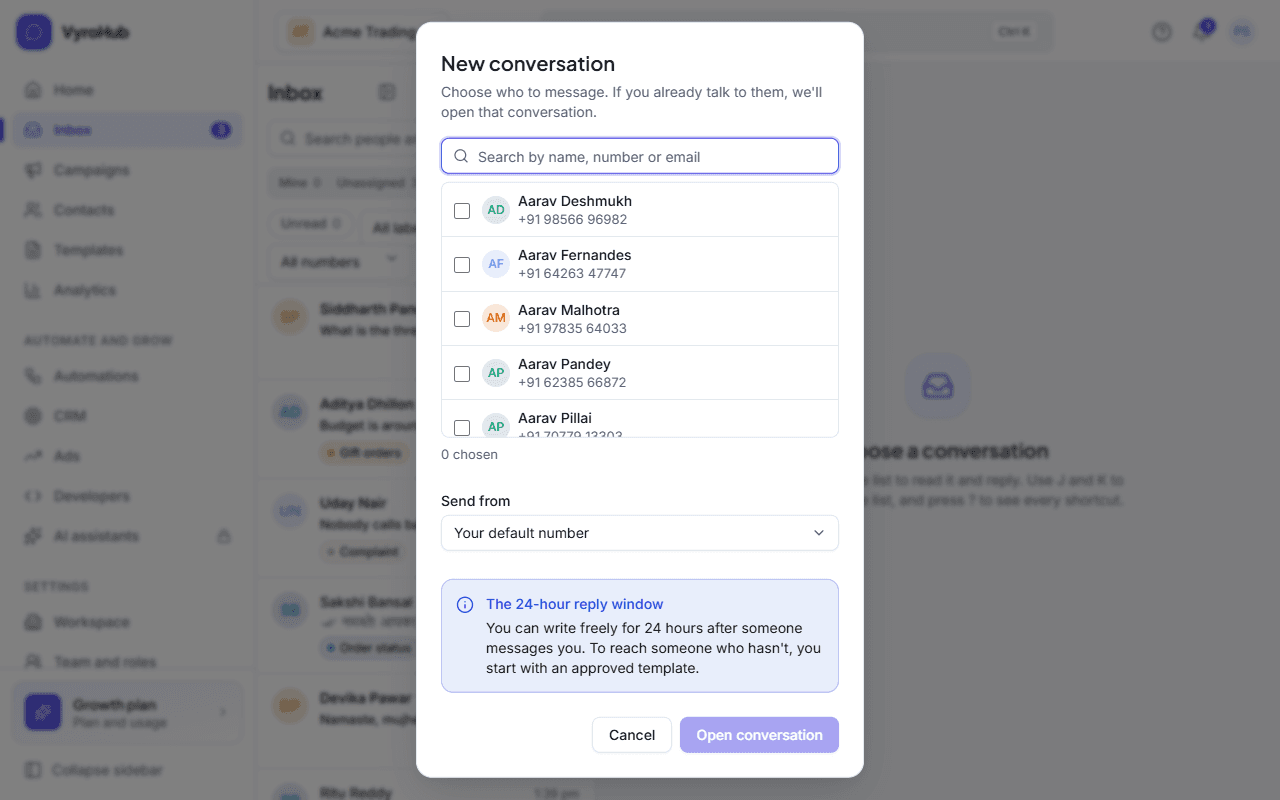
In Inbox, choose New conversation.
Choose who to message. If you already talk to them, VyroHub opens that conversation instead of starting another.
Under Send from, keep Your default number or pick another.
Choose Open conversation, then Send a template: pick an approved template, fill in the blanks, and send. See reply to customers.
When it works
The conversation opens with your template in it. When the customer replies, the 24-hour window opens and you can write freely.
When something goes wrong
| What you see | Why | What to do |
|---|---|---|
| "Couldn't start the conversation" | A short connection problem, or the number can't send. | Try again; check Settings → WhatsApp numbers. |
| The template picker refuses a template | No permission, a do-not-message request, or no phone number. | See the table in reply to customers. |
Limits
| Limit | Value | Set by |
|---|---|---|
| The first message | Must be an approved template | |
| New people per number | The number's daily new-contact limit |