Connect WhatsApp
What you need before connecting a WhatsApp number, how the connection works, and what happens after.
ImplementedWorks in the app today, as this page describes.
Last reviewed against the app on
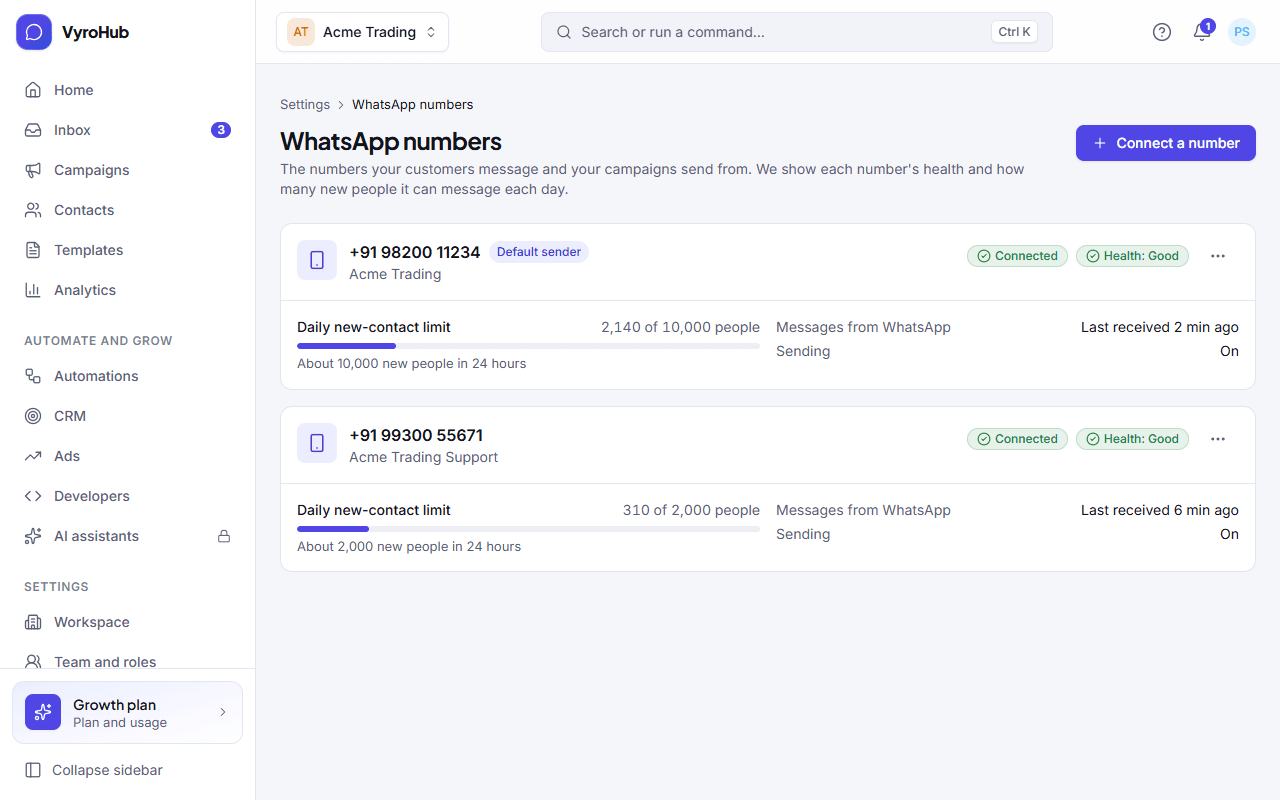
Your WhatsApp number is how customers reach you and how your campaigns are sent. VyroHub connects to it through Meta (the company behind WhatsApp), using Meta's own sign-in window. We never see your Facebook password.
Who can do this: Owner, Admin
Managers can see your numbers, their health and limits, but can't connect or change them. Agents don't see this screen.
Have these ready
Setting up takes about five minutes if you have these at hand:
| You need | Why |
|---|---|
| A Facebook account that manages your business | You sign in to Meta in a separate window to choose your business and number. |
| Your business details | Legal name and either a website or an address. Meta may ask you to confirm them. |
| A number that can receive a verification code | By text or phone call. It must not be in use in the regular WhatsApp or WhatsApp Business app: remove it there first. |
| A payment method for Meta | Meta bills WhatsApp message charges to you directly, so you'll add a card or bank account in Meta's billing settings. |
Remove the number from the WhatsApp app first
A number that is still registered in the WhatsApp or WhatsApp Business app on a phone can't be connected. Delete the account in the app on that phone before you start.
How it works
- You start in VyroHub and open Meta's window.
- In Meta's window you choose your business and your number, and verify the number with a code.
- Back in VyroHub, setup finishes by itself, usually in under a minute.
- WhatsApp then reviews the display name your customers will see. This usually takes a few hours; you can keep working meanwhile.
Two bills, never mixed
WhatsApp charges for messages are billed by Meta, to you, on Meta's invoices. Your VyroHub plan is billed separately by VyroHub. See how billing works.